Author: Ishiaki
Mod Website: https://github.com/IshiakiZ/ksp-kerbal-skins/wiki
Downloads: 139
Followers: 1
The kerbals' skin, hair and eye colours: one for everyone, one each, or your own choice for any one of them.
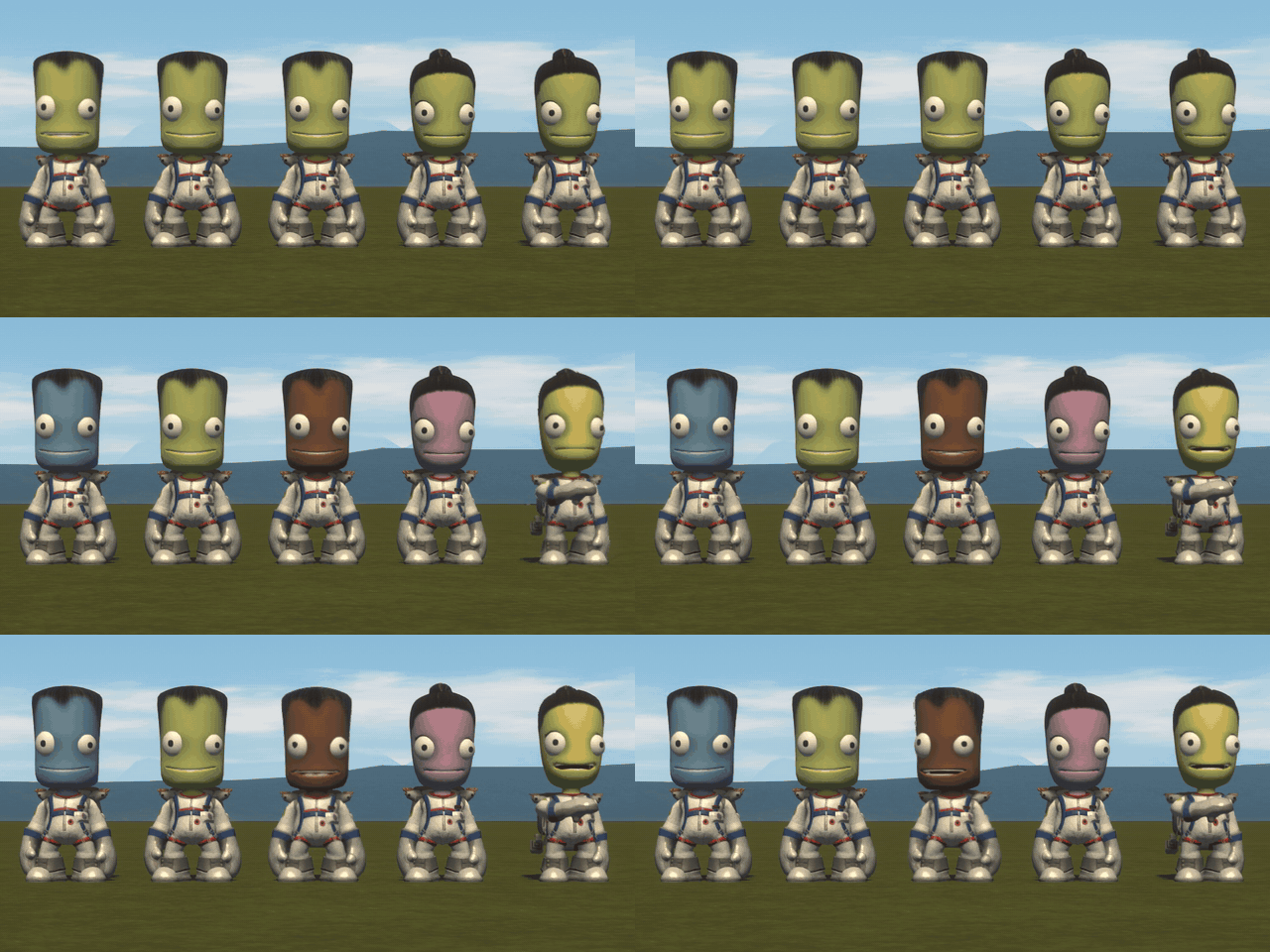
- People's own skin tones (the Monk Skin Tone Scale's ten), and hair and eye colours in the shares people's come in.
- Wherever kerbals are drawn: in flight, on the opening screen, the ground crew, the astronaut complex; other mods' heads too.
- Remembered by name in every save; a kerbal newly hired gets a colour of their own.
- Set from its page in the Keystone window.
For KSP 1.12.x. Needs Keystone.
Works on: Mac: tried. Windows 11: 0.1.3 tried. Linux: not run.
More pictures, every setting and how it works: on GitHub.
Loading changelog...
Stats for Kerbal Skins
Downloads over time
Downloads per version
New followers per day
Top Referrers
- spacedock.info
- www.google.com
- sd1b.52k.de
- search.brave.com
- sd-prod-live.52k.de
- sd-prod-stage.52k.de
- yandex.ru
- sd1a.52k.de
- www.bing.com
Export Raw Stats
Raw stats are from the beginning of time until now. Each follower and download entry represents one hour of data. Uneventful hours are omitted.